
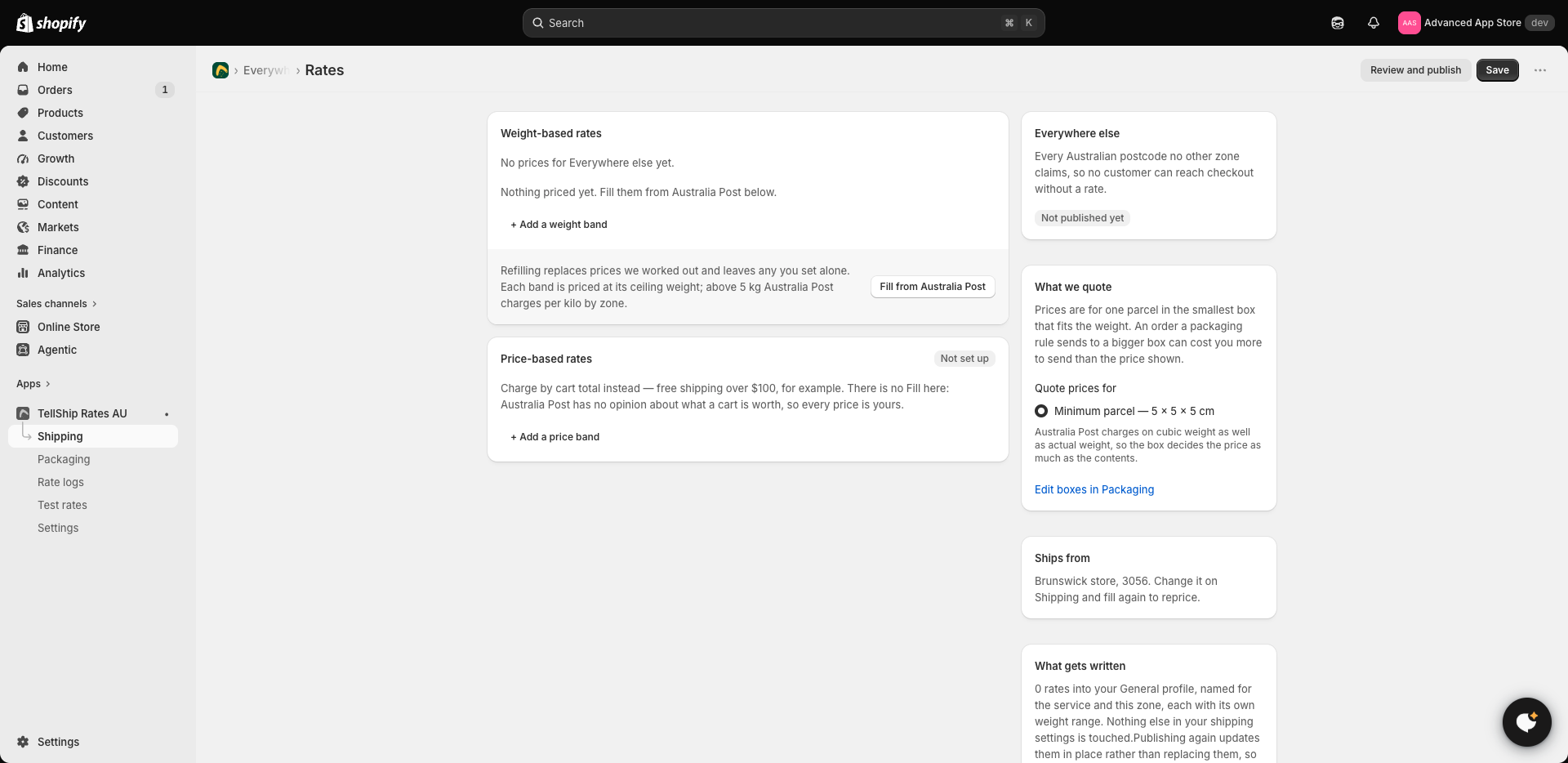
Every zone's price table has a Fill from Australia Post button. Press it and every empty row is priced from Australia Post's published retail prices, worked out from your own warehouse to that zone — a Melbourne store and a Perth store filling the same zone get different numbers, because the distance is different.
What it touches, and what it leaves alone
- Empty rows are filled.
- Prices you typed are left alone. Filling never overwrites a number you chose.
- Refilling replaces the prices it worked out earlier — so after Australia Post changes its prices, refill and your typed prices still stand.
The prices are a starting point
Nothing says you have to charge what Australia Post charges. Edit any filled price afterwards — round it down to a number that sells, pad it to cover packaging. A filled price and a typed price sit in the same table; the only difference is what a refill later does to them.
You can also add a percentage on top of everything and round all prices the same way, under Settings — see Markups and rounding.
Checking a filled price
Any filled price can be checked against Australia Post's postage calculator — same weight, your suburb to a postcode in the zone. Expect agreement at the band's weight; a parcel lighter than the band ceiling costs the same as the ceiling, because one band is one price.
Remember to publish
Filled prices are saved prices, and saved prices do not reach a customer until published — see Publishing your rates to checkout.