
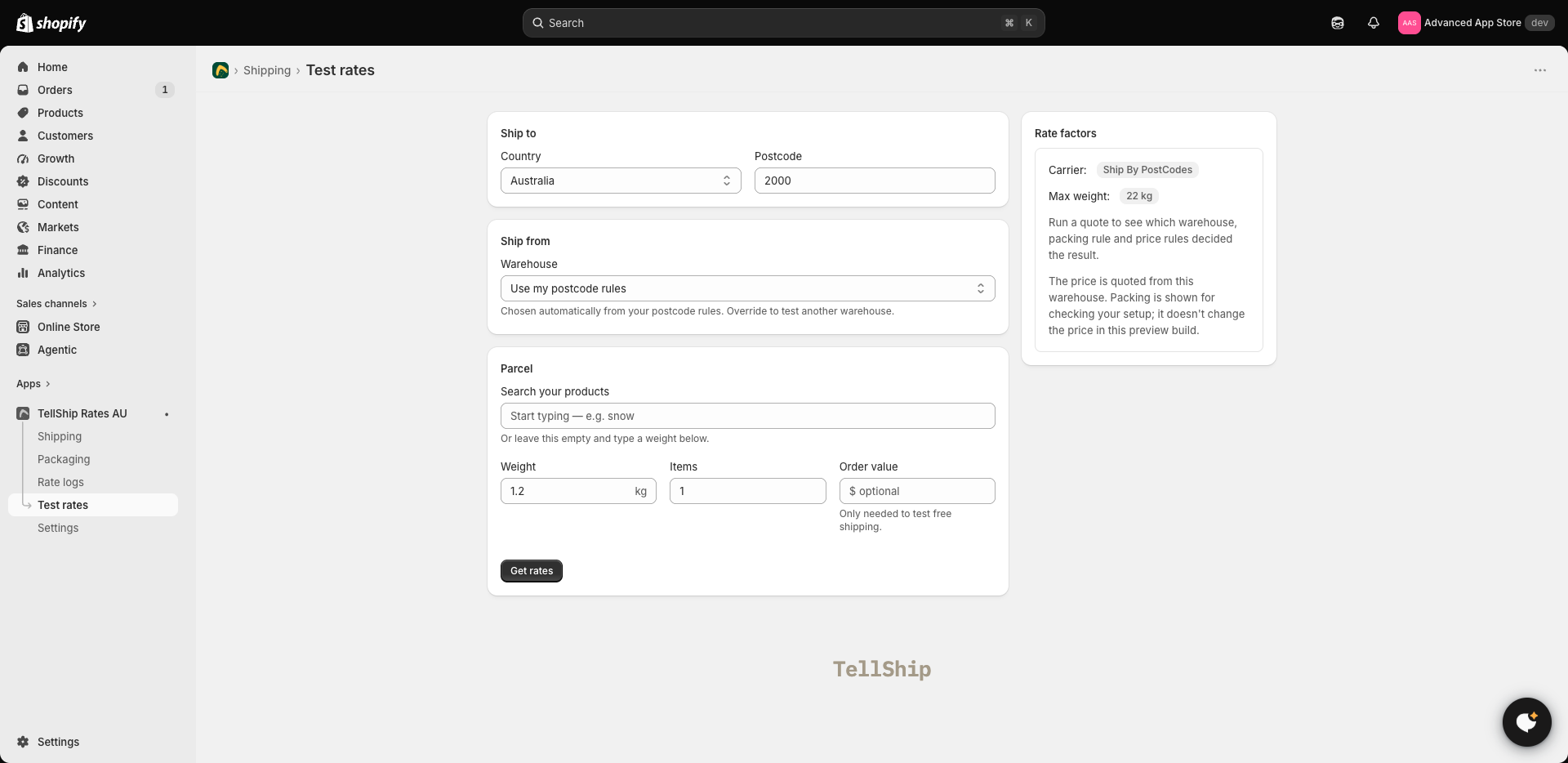
Test rates, in the app's menu, quotes a parcel the way checkout does — same zones, same bands, same services — and shows you the result without a customer having to reach checkout first. It costs nothing to run.
What to test
Pick real products and a real destination postcode — the suburb you sell most into, and the awkward one you worry about. The quote shows what a customer there would pay, service by service.
When it says something went wrong
Test rates tells you which check failed rather than leaving you to guess — the postcode no zone claims, the weight no band covers, the missing product weight. The same five failures, and what to do about each, are in My rates aren't showing at checkout.
Test rates and publishing
Test rates uses your saved prices, so it shows an edit immediately — before and independently of publishing. That makes it the fast way to check a change, and also the one difference from checkout to keep in mind: a test that looks right is not yet a checkout that looks right. Publish, then run one fresh quote.