
Almost always: the price is saved, but it hasn't been published yet.
There are two ways TellShip can price an order, and only one of them has a publish step.
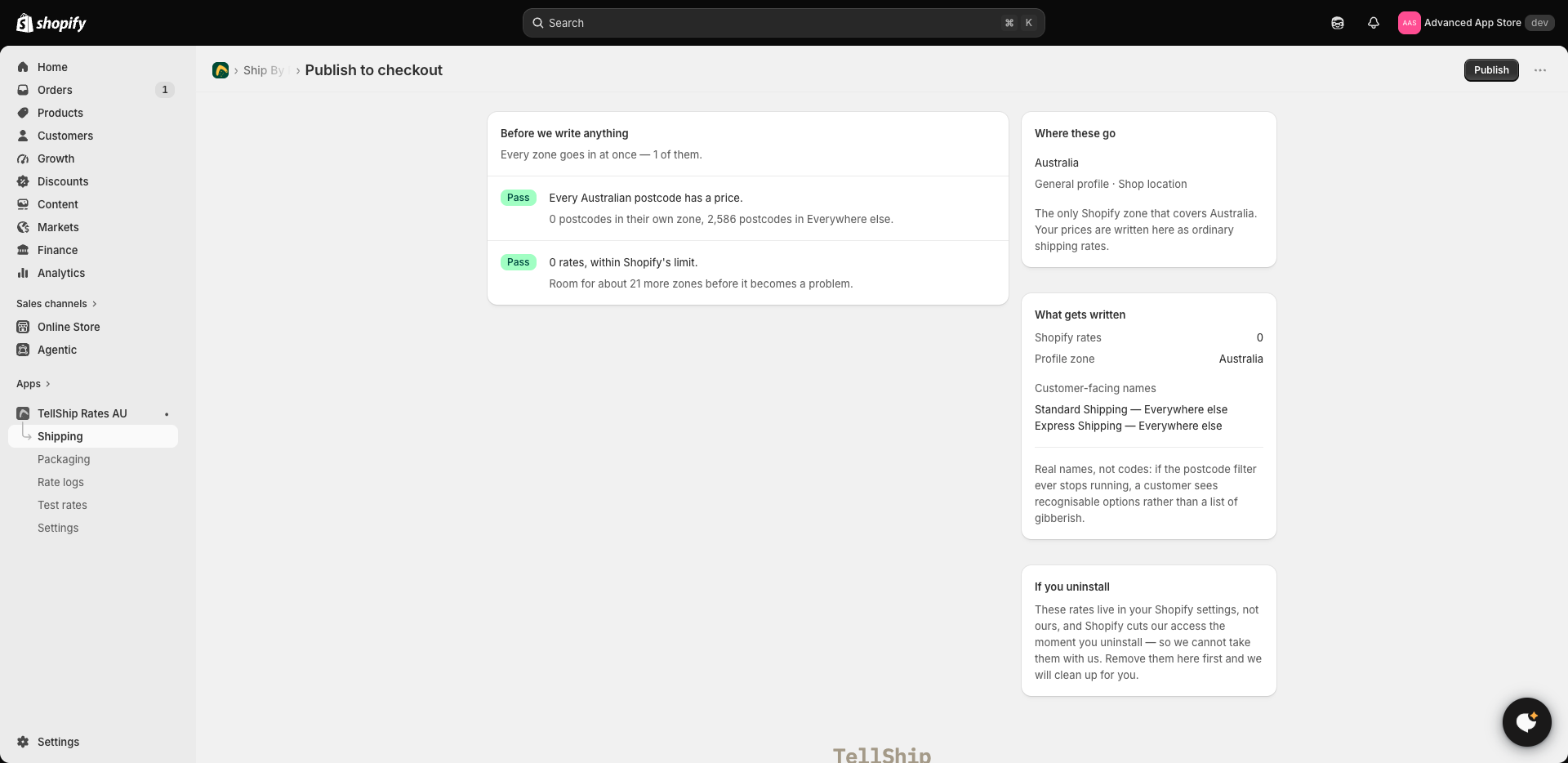
If your prices are worked out in advance
On this setup, your prices are written into your Shopify shipping settings as ordinary rates, and that copy is what customers are charged. Saving a price updates TellShip; publishing is what updates Shopify. Until you publish, customers keep paying the old number.
Where to publish: Shipping → your carrier → Publish to checkout. It shows you what is about to change before it changes, and publishing only touches the rates TellShip put there — nothing else in your shipping settings is disturbed.
If TellShip prices each order as it happens
Here there is nothing to publish. Prices are worked out at the moment a customer reaches checkout, so a change is live as soon as you save it.
How to tell which you have
The Configure rates step on Home says so. If it mentions prices being worked out now and written into your shipping settings, you have the first one and there is a publish step. If it doesn't, you have the second — and support can see which you are on without asking you.
Other reasons a change might not show
- The customer is in a different zone to the one you edited. Zones are matched by postcode, and the first zone that claims a postcode is the one that prices it.
- The parcel falls in a different band. Editing the up-to-3-kg price does nothing for a 4 kg order.
- You are looking at a cached checkout. Start a fresh cart; a checkout already open can hold the rates it was given.
Test rates quotes a parcel the way checkout does, using your saved prices, so it shows a change immediately — before and independently of publishing.