
Every quote names a parcel, and the parcel starts as a box: your usual box, or whichever of your boxes the order fits. Pack with dimensions replaces that guess with your products' measured sizes — the parcel priced is the one you actually send.
The money is above 5 kg
Past 5 kg of actual weight, a parcel can be charged on the space it takes up instead of what it weighs. A 40 × 30 × 30 cm box with 8 kg inside is charged as if it held 9 — about $31.85 from Melbourne to Sydney, against the $30.00 the weight alone would cost. The roomier the box, the wider that gap: the air is what you're paying for.
Measured sizes close it. When an order is one measured product with no packing rule of its own, the parcel declared is that product's real size — not the box. Under 5 kg this changes no price: there, weight and destination decide, which is why Do I need to set up packaging? tells most stores to leave all of this alone.
Where your sizes live
Shopify has nowhere of its own to put a product's size, so the app adds
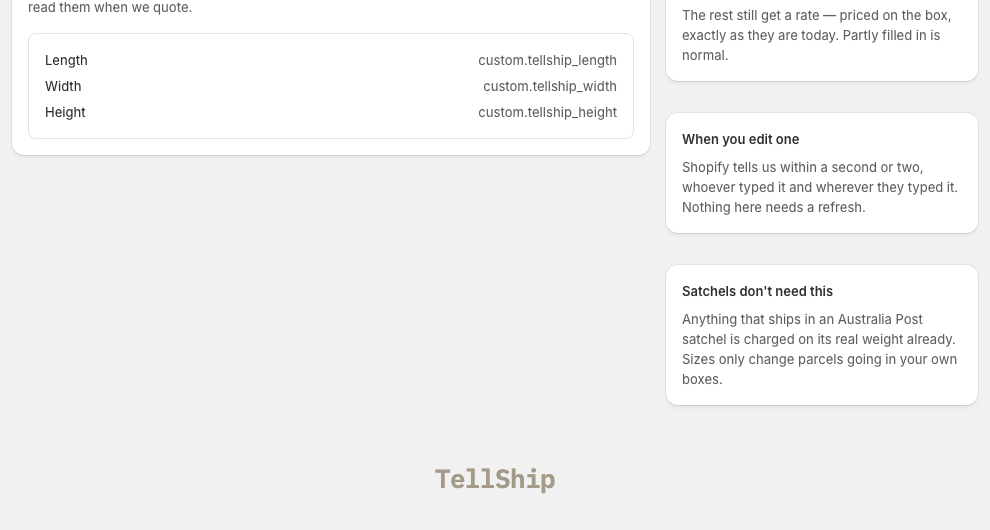
three fields to your products — Length, Width and Height
(custom.tellship_length, _width, _height) — with one press of Add
the fields to my products on Packaging → Product dimensions. They are
ordinary Shopify metafields: yours, visible to every other app, and still
there if you uninstall.
Typing them — one product, a spreadsheet of the whole catalogue, or copying fields you already keep — is its own walkthrough: Editing a product's sizes.
Packaging keeps the score: how many of your variants have a size, and that the rest are priced on their box — which is exactly what happened before, so nothing gets worse while you measure.
See it decide a real price
Run a quote on Test rates. The Rate factors panel names the warehouse, the packing decision — "Packed in: …" — and the rule or measurement that made it, before any customer sees the number. A price that moved because a product was measured is explained on the quote's own row in Rate logs.
What it needs
- Live rates at checkout — only a price worked out per order can use per-item sizes. See Live rates at checkout.
- A plan with Pack with dimensions — it is the capability that separates CCS Standard from CCS Starter.
- Weights first. Sizes refine a price; weights make it. A product with no weight is quoted as weightless, and no measurement fixes that — see Product weights and sizes.
Start where it pays
Measure the products that are bulky for their weight — cushions, lampshades, framed prints — and whatever you ship most. Everything unmeasured keeps being priced on its box, exactly as before.