
When a customer reaches checkout and sees your old rates — or none at all — it is almost always one of five things. They are listed in the order they go wrong.
1. The app isn't on a shipping zone
Shopify only shows TellShip's prices in the shipping zones the app has been added to. If it is on none of them, checkout quietly falls back to whatever rates you had before. Home tells you when this is the case, and Shipping has an Add button against every zone.
2. Your prices haven't been published
If your prices are worked out in advance and written into your Shopify shipping settings, nothing reaches a customer until you publish. Changing a price saves it; publishing is what customers feel. Publish at Shipping → your carrier → Publish to checkout.
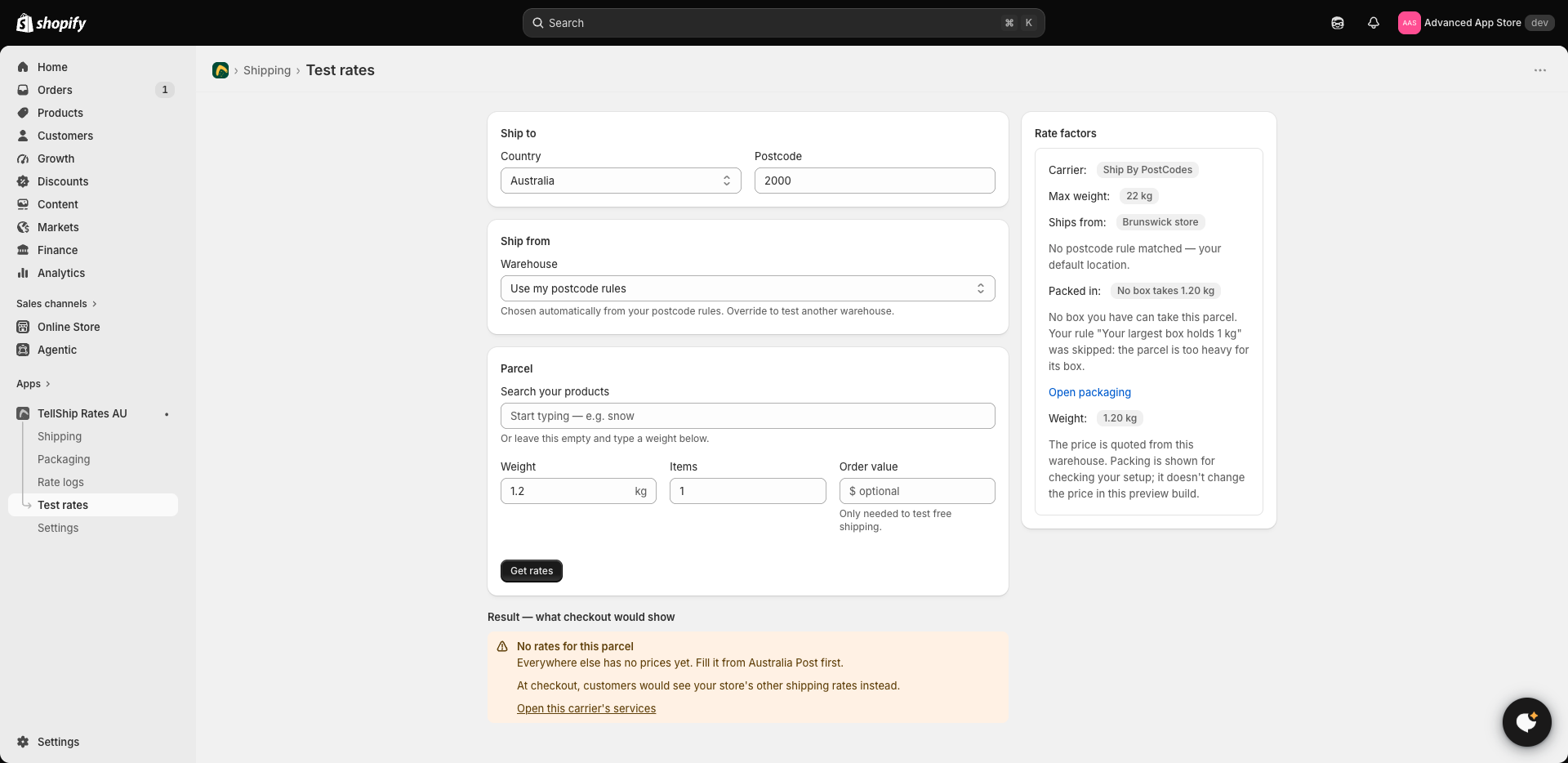
3. Nothing is priced for that weight
Prices are set in bands — up to 1 kg, up to 3 kg, up to 5 kg. A parcel heavier than your largest band, or a zone where the bands were never filled, has no price to show. On the zone's own screen an unpriced band reads as empty rather than as free.
4. There is nowhere to ship from
A location with no street address in Shopify cannot be used as an origin, and neither can one outside Australia. TellShip will not guess a substitute, because a price quoted from the wrong place is a price you cannot honour.
5. Your trial ended without a plan
Installing starts a 14-day free trial with everything on, so nothing needs choosing on day one. When the trial ends and no plan has been chosen, live rates stop at checkout. Choose a plan in Settings and quoting resumes.
Still stuck?
Test rates quotes a parcel the way checkout does and tells you exactly which of the above it hit — it is faster than guessing, and it costs a customer nothing.